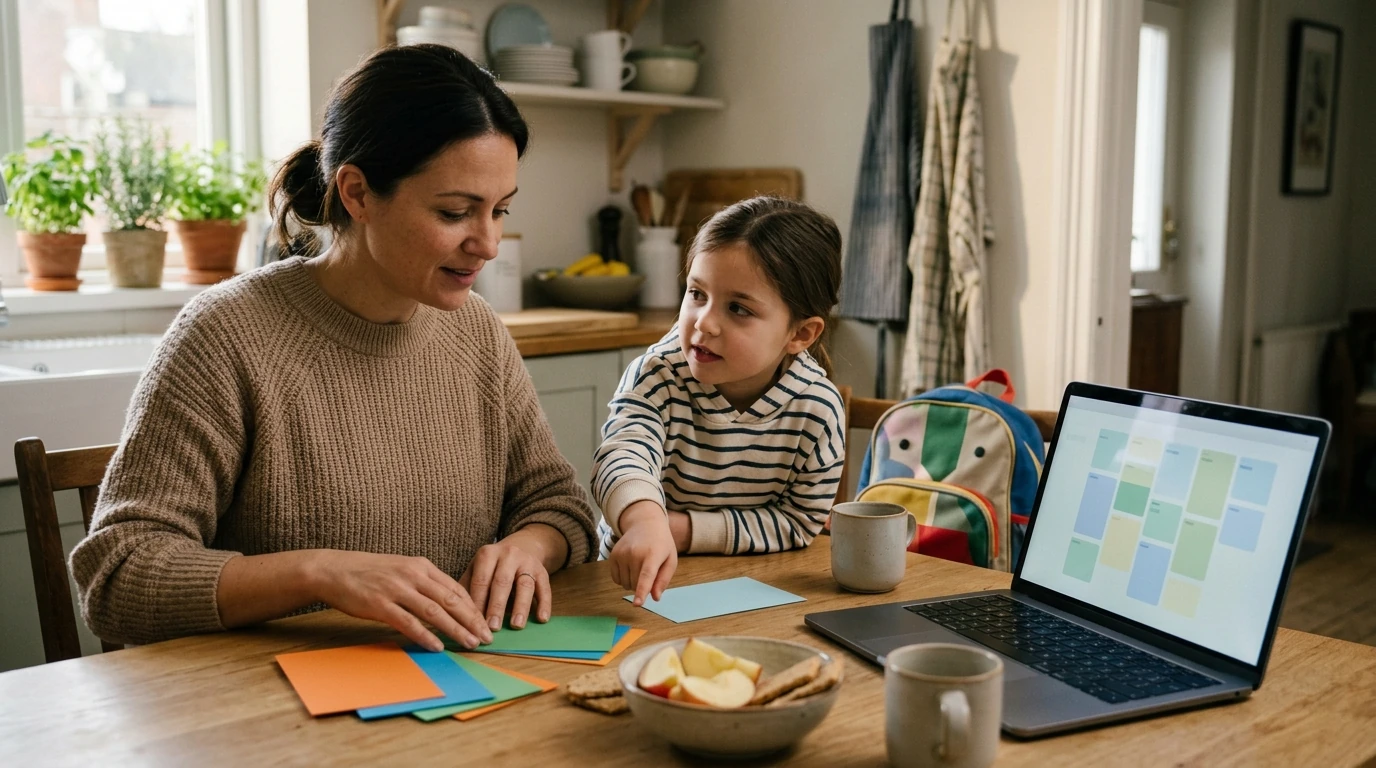
Some days feel like a relay race: wake-up, school, snacks, homework, activities, bedtime—plus the surprise detours. When you’re juggling a lot, an AI tool can help by turning your real-life constraints into a draft routine you can quickly edit. Our team built this guide around one goal: make your child’s day feel predictable without becoming rigid, so you get more calm and more usable time.
AI works best as a planning assistant. You give it a few specifics—school start time, after-school activities, bedtime target, your child’s attention span—and it generates a schedule you can adjust in minutes.
If you only have a few minutes, start with “anchors” and work outward. Anchors are the non-negotiable times that shape everything else.
If bedtime is a struggle, it also helps to keep basic sleep habits in mind (consistent timing, calming wind-down). The CDC has a helpful overview of children’s sleep basics you can use as guardrails while you build your routine: https://www.cdc.gov/sleep/index.html.
| Goal | Prompt to use | What to expect back |
|---|---|---|
| Create a weekday schedule | Create a weekday routine for a [age]-year-old. Anchors: wake [time], leave for school [time], return [time], dinner [time], bedtime [time]. Include hygiene, homework, outdoor play, and wind-down. Keep blocks 10–30 minutes and add 2 buffer blocks. | A time-block plan with realistic pacing and buffers |
| Make mornings smoother | Draft a morning routine that reduces conflict. Child moves slowly and gets distracted. Include a 2-step backup plan for late mornings and a short transition script for each step. | A simplified sequence, plus fallback options |
| Plan after-school flow | Create an after-school routine with decompression first, then homework start. Include snack, movement, and a clear ‘homework starts at’ time. Offer two choices for decompression that don’t involve screens. | A predictable after-school pattern with screen boundaries |
| Support bedtime | Create a bedtime routine that starts [X] minutes before lights-out. Include calming activities and avoid stimulating tasks. Add a gentle script for ‘one more thing’ requests. | A wind-down sequence with boundary phrases |
| Make a visual checklist | Turn this routine into a simple checklist for a child. Use short verbs and no more than 8 items per section. Provide a printable version and a phone-friendly version. | Kid-friendly checklist text in two formats |
This works from preschool through the tween years: younger kids do best with shorter blocks and simple labels, while older kids can handle longer focus periods and more independence. No matter the age, you stay in charge and review the plan before your child uses it.
No—an adult can do all the prompting and only share the final checklist or visual plan with your child. If you choose to involve your child, keep it supervised and review the output together.
Create 2–3 routine variants (ideal, busy, low-energy) and include buffer blocks so the day can stretch without collapsing. For sick days, use a “minimum viable routine” that covers essentials like meds, meals, rest, and a short wind-down.












Leave a comment